Mail Merge
Mail Merge is a Python automation script that reads a letter template and a list of names, then produces one personalized file per recipient by swapping out a [name] placeholder. It was built as the Day 24 capstone for the File I/O section of 100 Days of Code. The repo ships two builds side by side: the original procedural solution and an advanced OOP refactor that separates concerns across a config module, a pure-logic MailMerger class, and a thin orchestrating main — all launchable from a single terminal menu.
Overview
Problem
When you need to send the same letter to a dozen people, the manual approach is to open your document, find-and-replace the name, save a copy, and repeat. With eight recipients that's manageable but tedious; with fifty it becomes a real source of errors — wrong names, missed replacements, inconsistently formatted files. The friction compounds when you want a clean record of exactly what was sent: without automation you're left with a folder of manually edited files and no clear process to reproduce them. What this project needed was a repeatable, scriptable routine that reads from a single source of truth and produces a correct output for every name in the list.
Solution
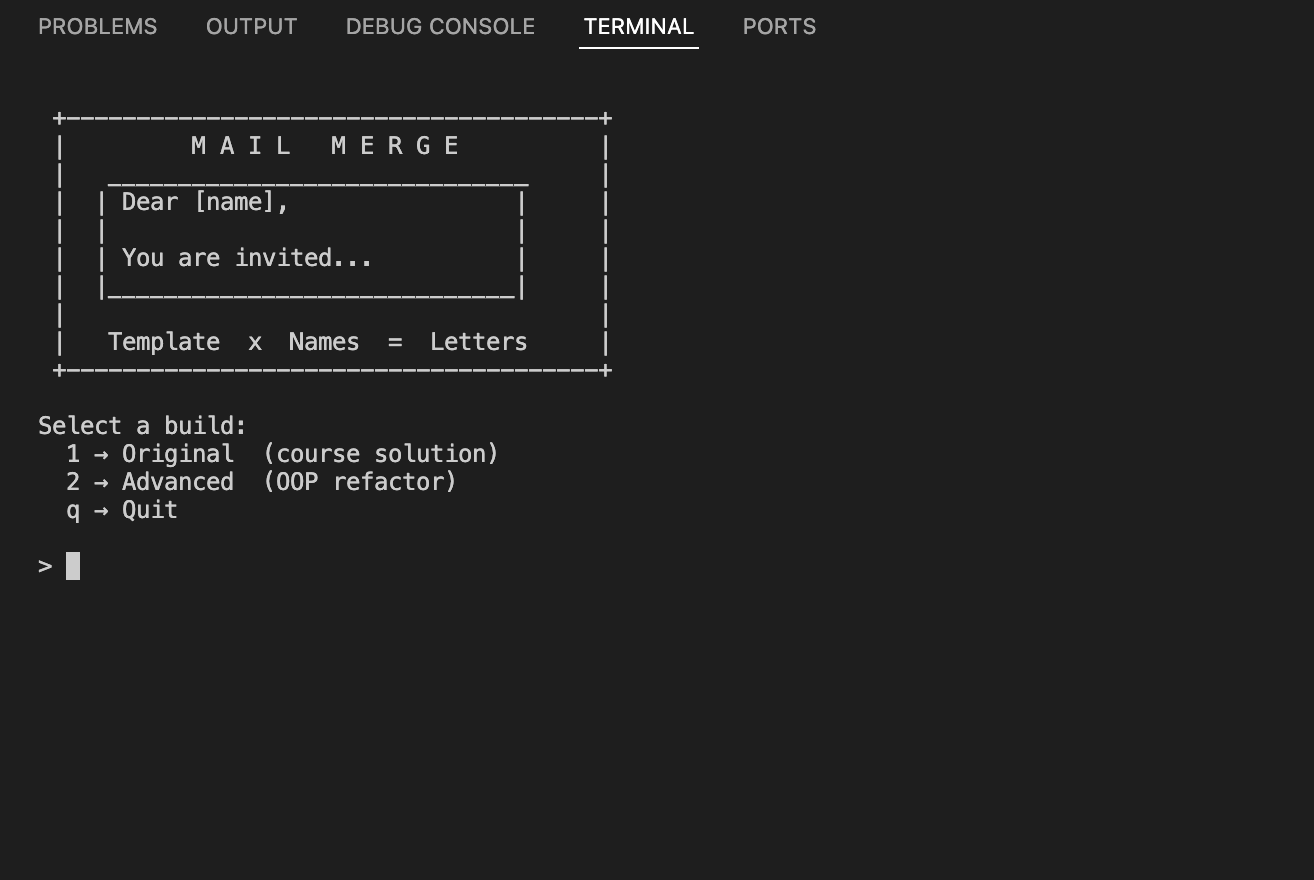
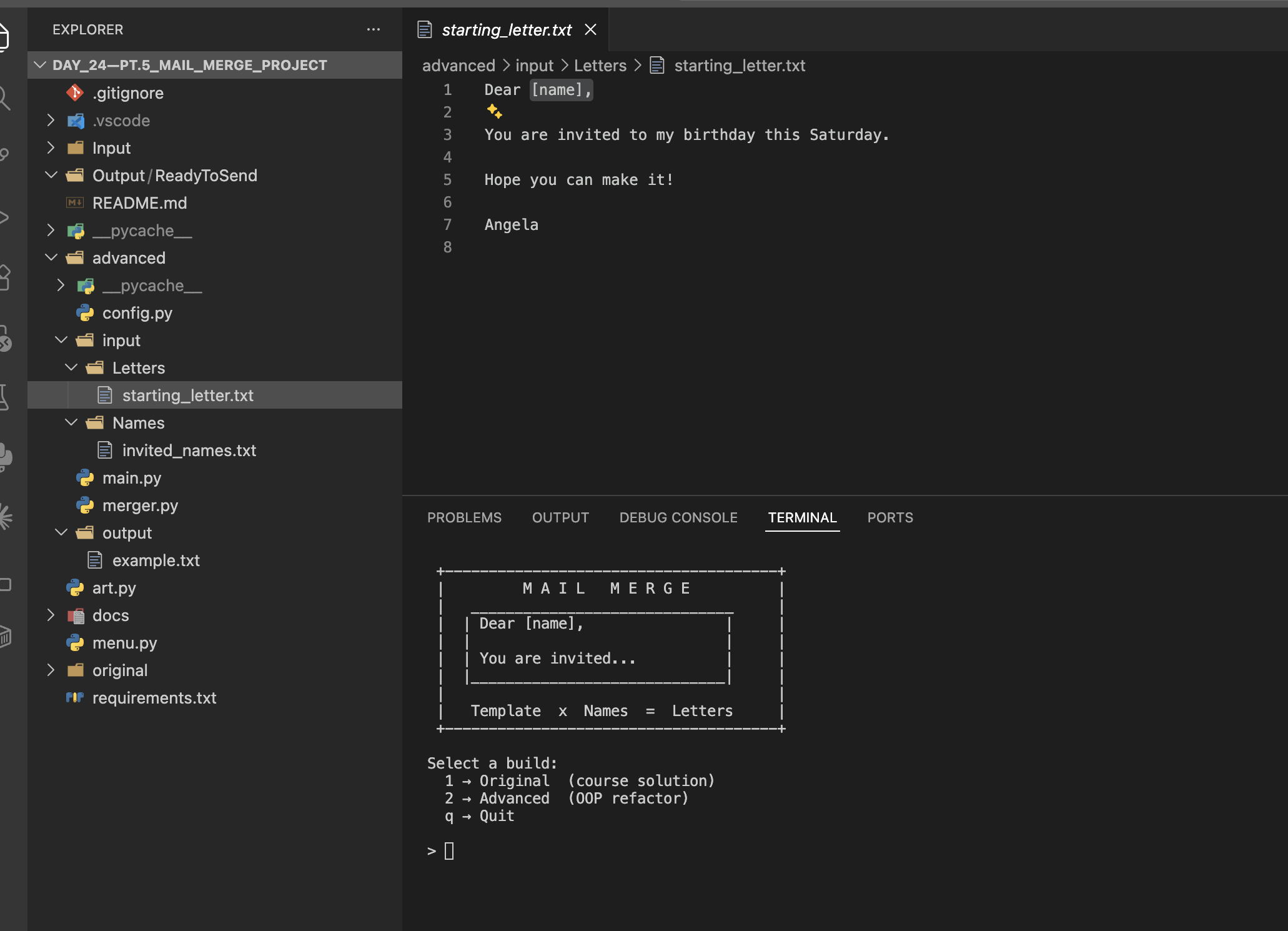
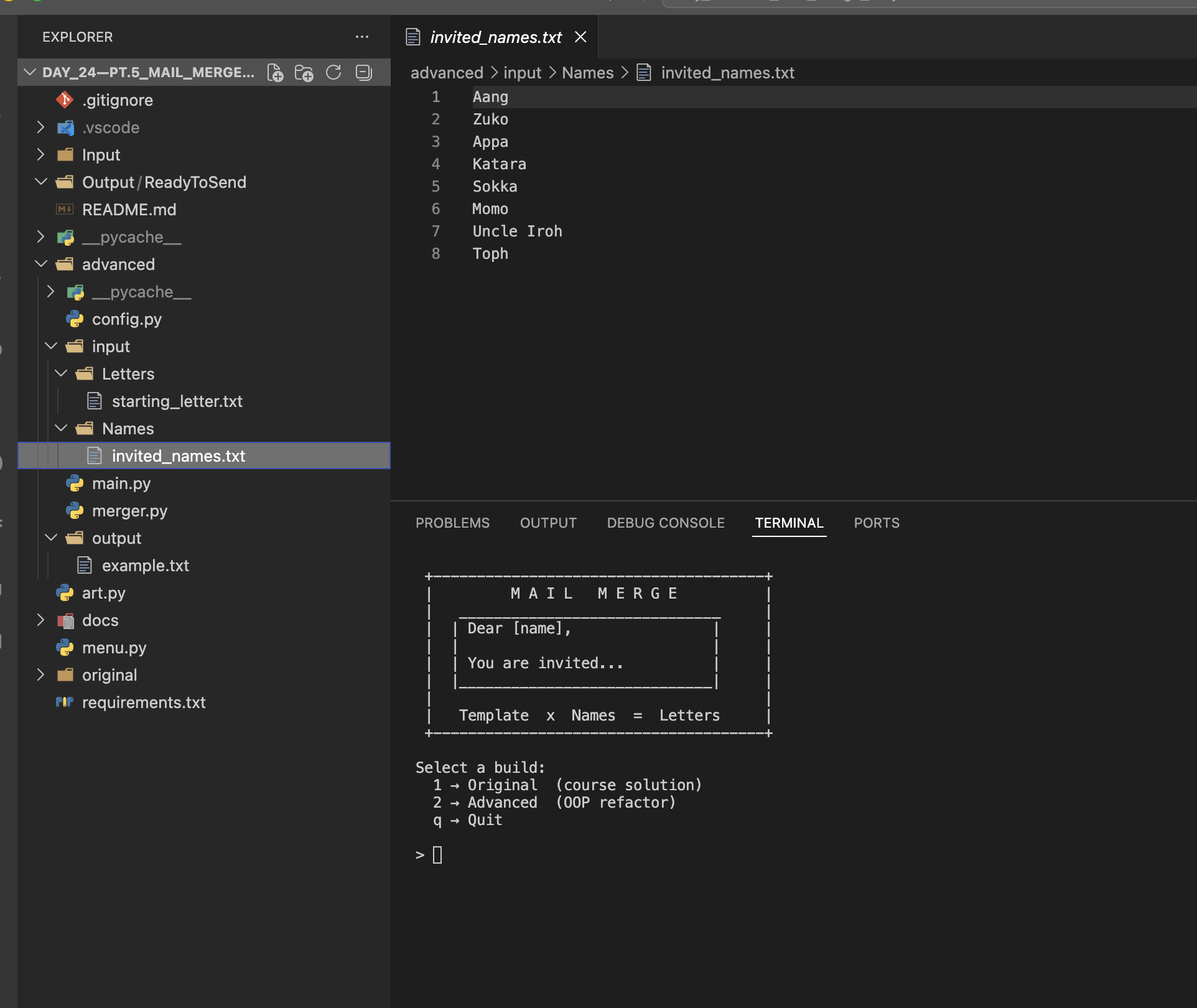
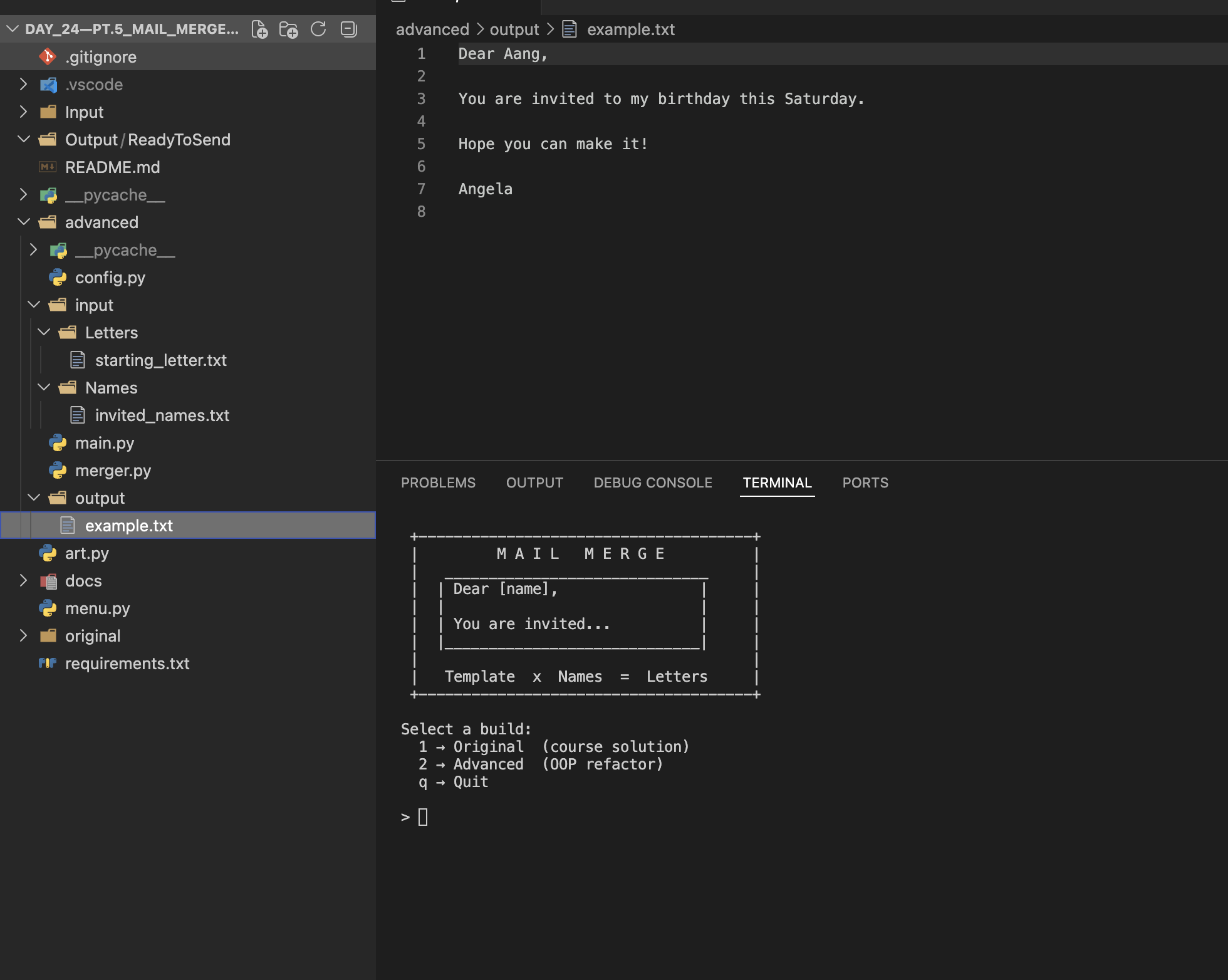
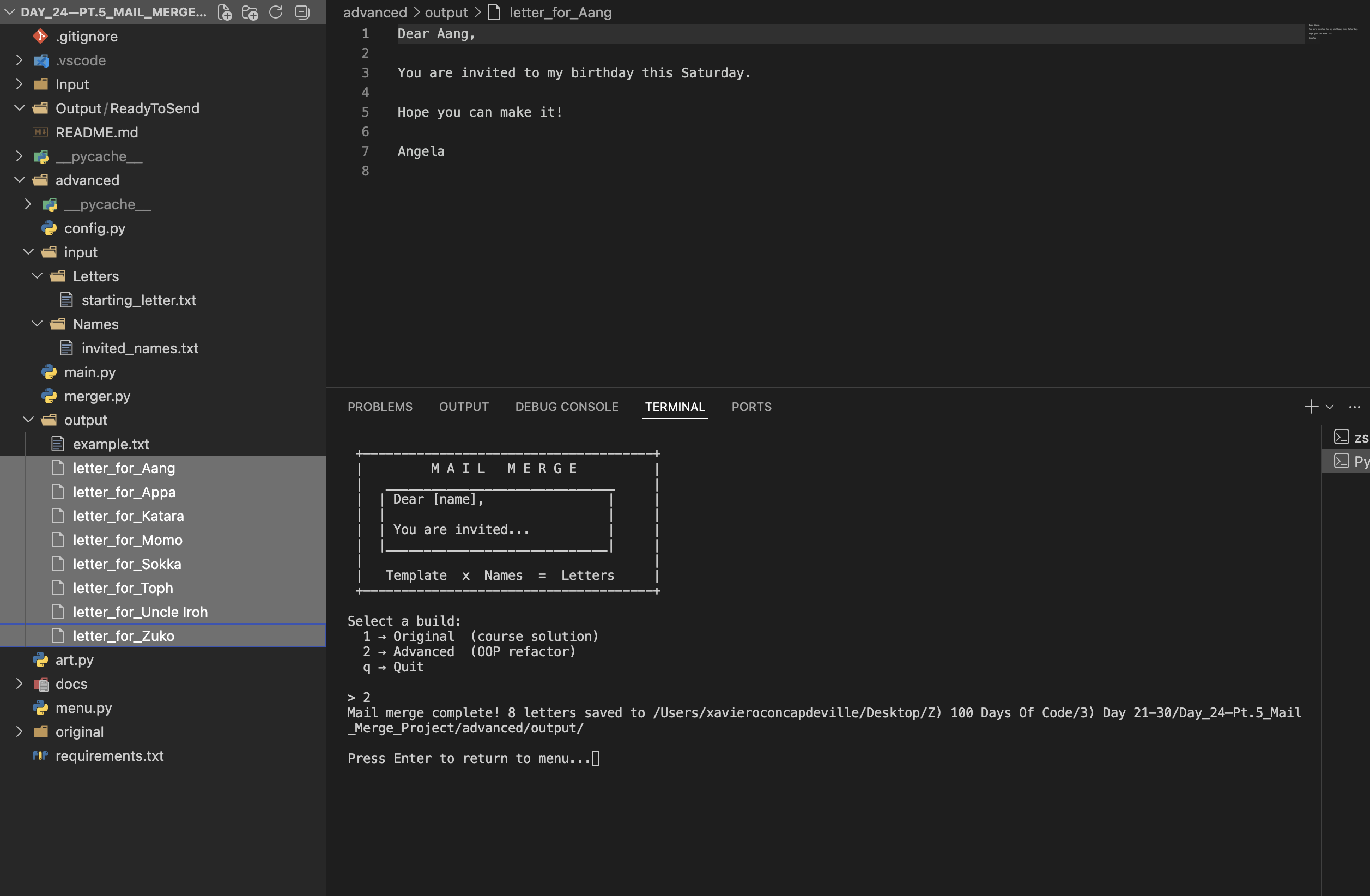
The script reads a plain-text template containing a [name] placeholder and a names file with one recipient per line, then writes one output file per name into an output directory. The advanced build introduces a MailMerger class whose generate() method is intentionally pure — it takes a template string and a name string and returns a string, never touching the filesystem — keeping the substitution logic independently verifiable. All file paths and string tokens live in config.py so nothing is hardcoded outside a single place. A menu.py launcher using subprocess.run() with cwd= lets you pick between the original and advanced builds without leaving the terminal, and a pause after each run keeps any output visible before the screen clears.
Challenges
The trickiest design decision was where to draw the line between pure logic and I/O. In the original procedural version, reading, transforming, and writing are all tangled in the same loop — which works fine but makes any single step impossible to test in isolation. Refactoring generate() into a method that never touches the filesystem forced me to think carefully about what "logic" actually means: the substitution is the logic, the file write is a side effect, and those belong in different places. Getting Path(__file__).parent right so the script resolves its input and output paths correctly whether launched directly or via menu.py was also a small but satisfying puzzle — the working directory shifts depending on how Python is invoked, and a bare relative path would silently break in one of those two contexts.
Results / Metrics
This project is a clean demonstration of the jump from "it works" to "it's well-structured" — both builds produce identical output, but the advanced version is modular, readable, and extensible in ways the procedural one isn't. I came away with a solid intuition for pure functions and separation of concerns, and a reusable pattern for any small automation tool: a config module for constants, a logic class with no side effects, and a thin orchestrator that wires them together. If I were extending this I'd add CSV support so you can merge on any column, not just a single name field. The side-by-side original/ and advanced/ structure is something I'm genuinely proud of — it tells the story of the refactor without hiding where the project started.
Screenshots
Click to enlarge.
Click to enlarge.